


Javascript open-source maintainers often have a hard time tracking their npm package status.
I used until recently npm-stats.com to get npm information about my packages, recently the site stops to work, so as a coder it was an easy decision to start working on a clone.
The package I created is called npmdash. (short for npm dashboard)
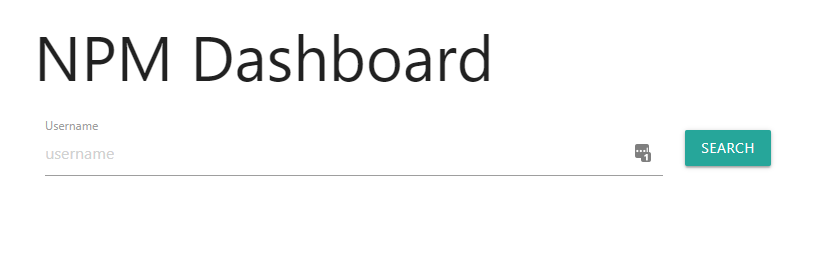
The homepage is a very simple input field to enter the npm username. (be patient it can take a while.)
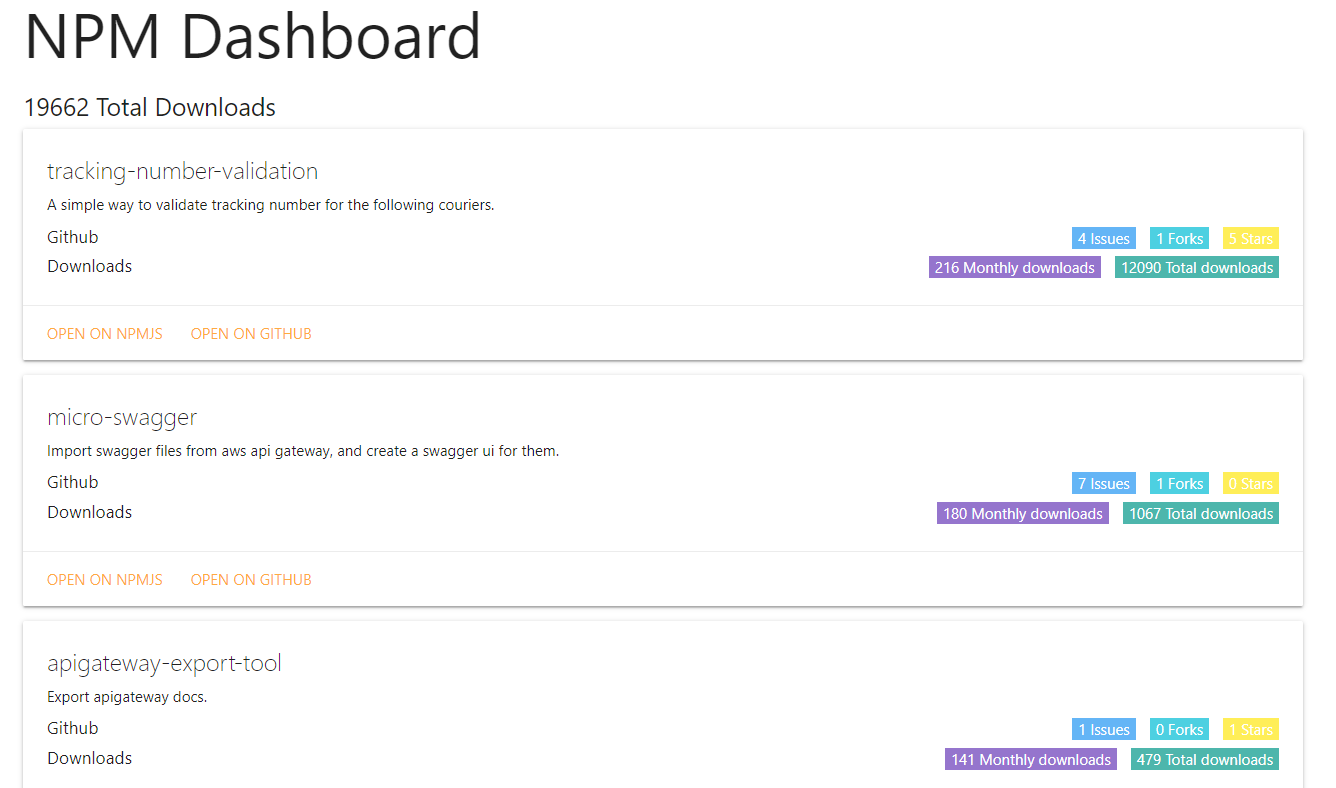
This is the packages view it's a list of the packages sorted by monthly downloads, including data on the package that can help you get more insight into the package, in the future more relevant data will be added.
You can use the hosted version, the docker version or the open-source CLI option.
The hosted version uses AWS fargate, you can clone the repo and build your docker version if needed, and deploy it to your own container solution.
CLI Usage
npm i -g npmdash
npmdash // will open the homepage
npmdash -u <username> // will open the packafes view for this username
Docker Usage
docker pull niradler/npmdash
docker container run -p 8989:8989 npmdash
For future improvements, I will like to improve the GitHub integration, improve the UI and get reports maybe? Still thinking about it.
Enjoy and let me know what you think :)
About the author
HI there 👋
I'm Nir Adler, and I'm a Developer, Hacker and a Maker, you can start with me a conversation on any technical subject out there, you will find me interesting.
Comments
Join the discussionNo comments yet. Be the first to comment.


